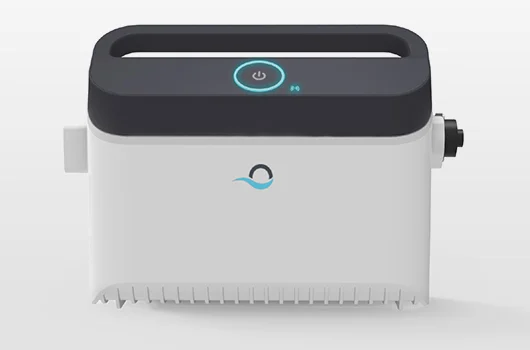
A quick reset fixes a surprising number of pool robot problems — error lights, a cycle that froze, or a robot that stopped responding. Here is how to do it right.
The Standard Power-Cycle Reset
For nearly every robotic cleaner, the reset is simple:
- Unplug the power supply from the wall outlet.
- Wait 30 to 60 seconds so the unit fully powers down.
- Plug it back in and start a new cycle.
This clears the power supply's memory and resolves most temporary faults, including a blinking Dolphin light or a robot that stopped after a few minutes.
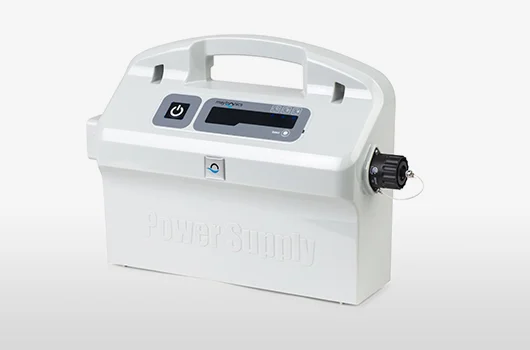
Clear Blockages Before You Restart
A reset will not help if something is physically jamming the robot. Before restarting, flip it over and clear the impeller, brushes, and tracks of any debris that could be drawing excess current and tripping the protection. This is also the fix for a robot moving in circles or one that won't turn on.
App and Factory Resets
If your robot uses an app like MyDolphin Plus, you can also power cycle it and re-pair Bluetooth to clear connection issues. Some models offer a factory reset through the app or a button sequence — check your manual or our Dolphin troubleshooting guide. If resets stop helping altogether, the power supply or board may be failing; see reliable replacements in our best robotic pool cleaners guide.