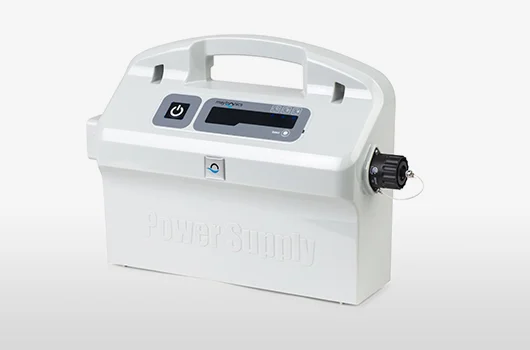
Before you worry about a dead motor, know that most "my robot won't turn on" cases come down to the power supply and outlet, not the robot itself. Work through these checks in order.
Start at the Outlet
Nearly every no-power issue begins at the wall. Confirm the outlet has power and, most importantly, that the GFCI has not tripped — press the reset button on the outlet or on the power supply. Robotic cleaners are almost always plugged into GFCI protection near the pool, and a tripped GFCI is the single most common reason a robot appears dead. If it trips again right away, that points to a fault worth investigating, like the ones behind a robot stopping after a few minutes.
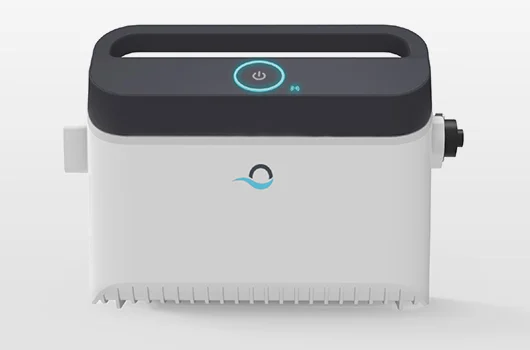
Reset the Power Supply
Power supplies can lock up or overheat. Unplug the unit for 30 to 60 seconds, keep it shaded and ventilated (never sitting in direct sun on hot concrete), then plug it back in. A blinking light often signals a fault rather than a total failure — see why your Dolphin light is on and our full reset walkthrough.
Inspect the Cord and Connectors
A nicked cord, corroded pins, or water intrusion at the connector will stop power from reaching the robot. Check the full cord length and the plug for damage, and dry the connector completely. Replacement cords and connectors are on our parts page.
When It's the Robot
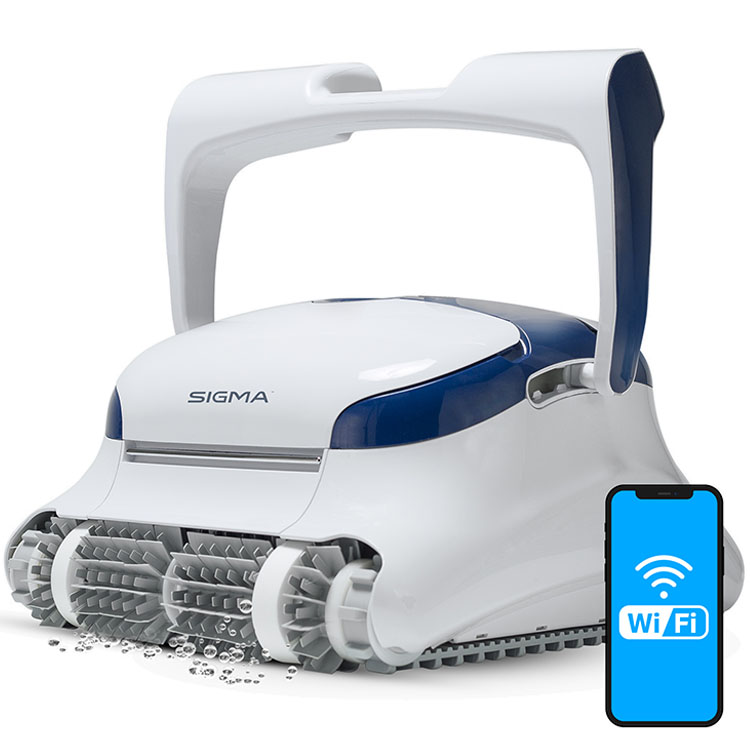
If the outlet, power supply, and cord all check out and the robot still won't start, the motor or control board may have failed — most common on older units. If it is time for an upgrade, a dependable corded model like the Dolphin Sigma is a strong choice; compare options in our best robotic pool cleaners guide.